

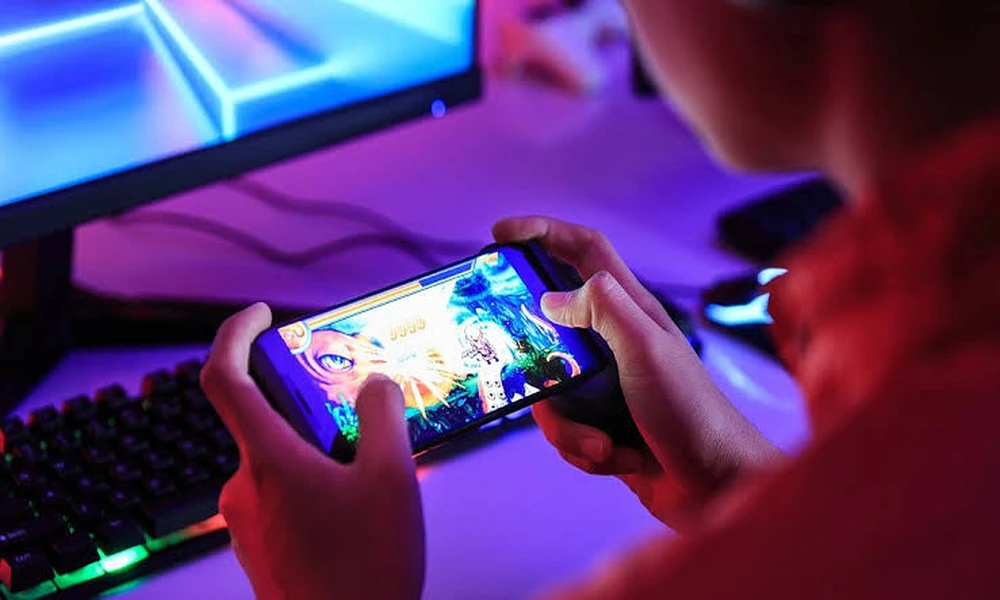
A new gaming device often creates excitement about buying games and accessories. Before spending, take stock of what you already own and how it can be used on the new setup. Compatibility depends on the platform, product, and account arrangement, so assumptions can become expensive. A short inventory helps you distinguish needs from items that only appear necessary during the excitement of an upgrade.
List the games you want to play first. Check their official requirements and supported platforms against the new device. Confirm which versions you own and whether access carries over through the relevant account. Do not assume that a familiar title means the same purchase works everywhere. Understanding these details gives you a starting library before you consider adding anything new.
Review saved progress separately from ownership. Being able to install a game does not automatically explain whether previous progress will be available. Follow the publisher’s current transfer or synchronization guidance for the game concerned. Complete any recommended preparation while the old device is still accessible. Keep account recovery information secure and make sure you can sign in through the normal official process.
If KELONTONG GAME is on your list of places to browse for ideas, bring a checklist based on the new device rather than shopping from memory. Note the platform, account region, and content you already have. Compare each proposed purchase with that checklist. A product can be appealing and still be unnecessary or incompatible with the setup you are trying to build.
Test the basic experience before buying accessories. Use the controls and audio equipment already available, then identify what limits comfort or communication. Read current manufacturer specifications before selecting replacements. A practical accessory should solve a problem you have observed. Waiting until you understand the setup can prevent buying several devices that duplicate functions or require connections the new hardware does not provide.
Plan storage around the games you intend to use now. Check available space and current installation requirements, allowing for the platform’s own guidance about updates and system needs. You do not have to install the entire library. A small starting selection makes it easier to verify that everything works and learn the new interface without turning the first evening into a long management task.
Set a separate limit for additional purchases. The cost of the device can make smaller extras feel insignificant even when they add up quickly. Record accessories, optional content, and subscriptions alongside new games. Consider which items can wait until you have used the setup for a while. A staged plan gives you time to notice what improves the experience and what you rarely need.
Once the essential games and controls work, enjoy the setup before expanding it further. Keep notes about any limitation that appears repeatedly and use those observations to guide later purchases. Moving to a new device should improve access to the experiences you value. Careful preparation lets your existing library and habits shape the upgrade, with new spending directed toward clear, useful additions.